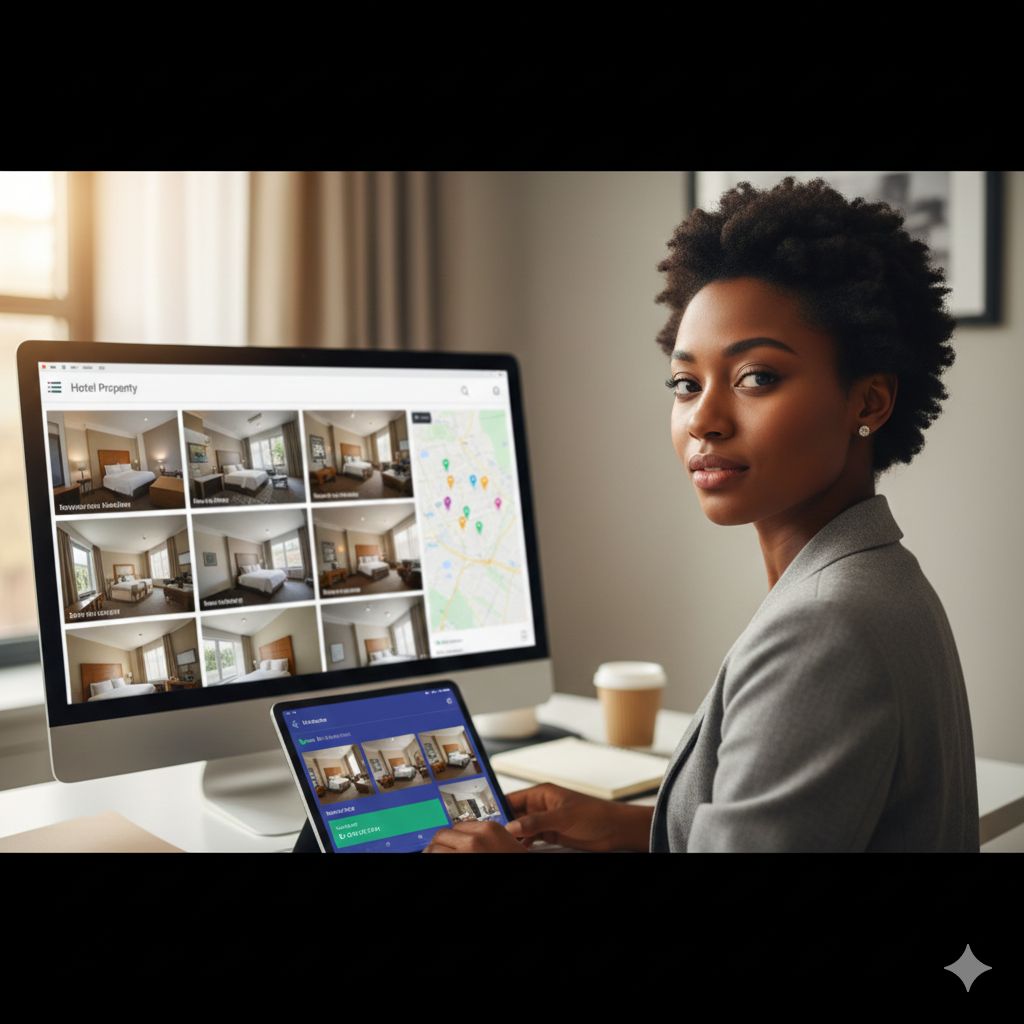
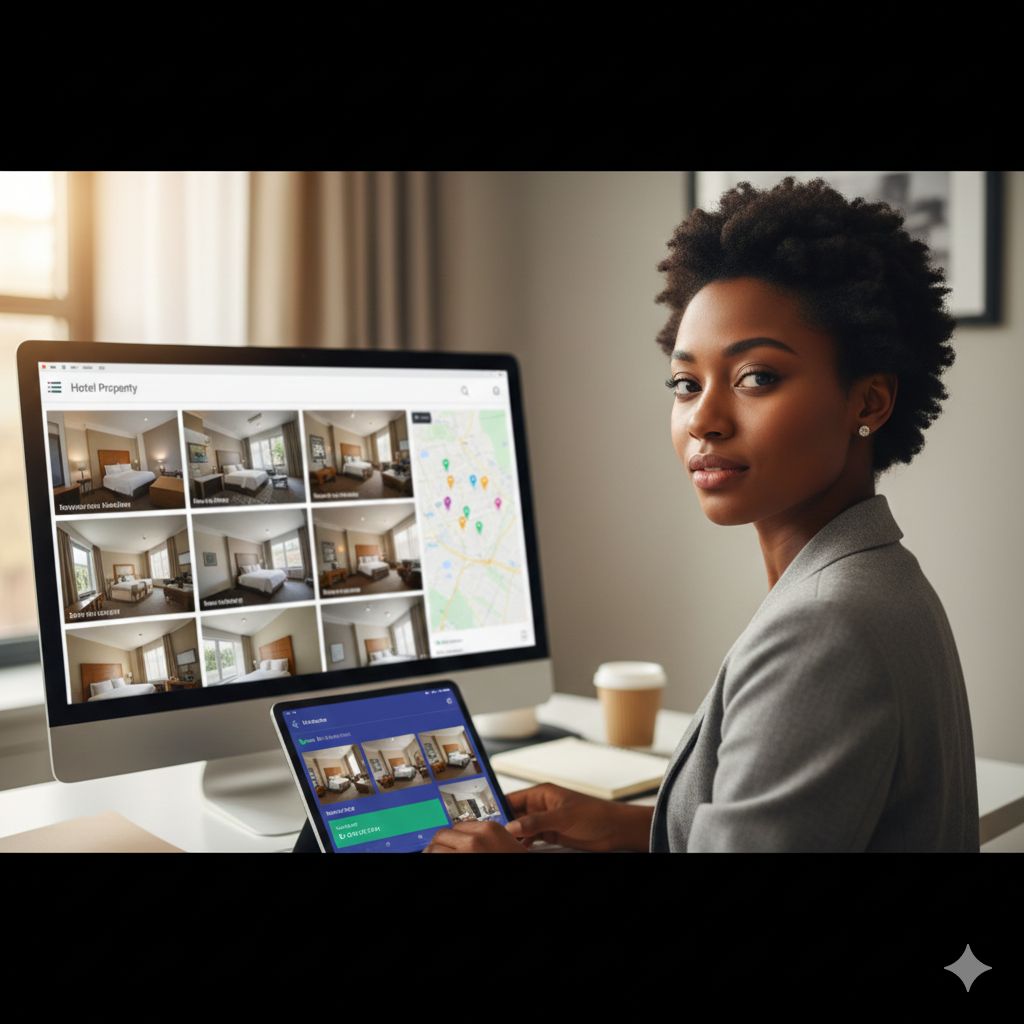
You manage eight properties across four states. Quarterly on-site visits to each consume two weeks and significant travel budget. Between visits, you rely on phone calls, email reports, and hope that what you hear matches reality.
This traditional audit model worked when portfolios were smaller and travel was cheaper. It doesn’t scale. Remote auditing with photo evidence offers an alternative: continuous visibility into property conditions without requiring physical presence for every inspection.
Virtual property inspections have matured significantly, with verification technologies now able to confirm photo authenticity and enable businesses to assess conditions remotely using digital tools. For multi-property hotel operators, this represents a fundamental shift in how quality can be monitored and maintained.
The Limitations of Periodic On-Site Audits
Before exploring remote alternatives, understanding the problems with traditional approaches clarifies what needs solving:
The Preparation Bias
Properties know when you’re coming. They prepare. Audit weeks become performance weeks that don’t reflect normal operations.
What you see during scheduled visits:
- Extra staff deployed for your inspection
- Deep cleaning completed just before arrival
- Temporary fixes applied to known issues
- Problem areas strategically avoided in tour routing
- Best-performing team members showcased
What happens between visits:
- Staffing returns to normal (or understaffed) levels
- Standards drift begins within weeks
- Maintenance items deferred until next visit approaches
- Daily reality diverges from audit-week performance
The Cost Equation
Traditional audit travel carries significant expense:
| Cost Category | Per Property Visit |
|---|---|
| Airfare | $300-600 |
| Hotel (ironic, yes) | $150-300/night |
| Rental car | $75-150/day |
| Meals and incidentals | $75-125/day |
| Auditor time in transit | 4-8 hours |
| Auditor time on-site | 8-16 hours |
For a 15-property portfolio with quarterly visits, travel costs alone can exceed $50,000 annually—before counting the auditor’s compensation for travel days.
The Frequency Problem
The math doesn’t allow for enough visits. If an auditor can thoroughly inspect one property per day and travel limits them to 10 visits monthly:
- 20 properties = quarterly visits (minimum acceptable)
- 40 properties = twice-yearly visits (inadequate)
- 60+ properties = annual visits only (nearly useless)
Low frequency means long gaps between quality checks—plenty of time for standards drift to accelerate and issues to compound.
The Coverage Gaps
Even during on-site visits, coverage is limited:
- Can’t inspect all 200 rooms in a day
- Can’t be in kitchen, housekeeping, and front desk simultaneously
- Night shift rarely observed
- Weekend operations often missed
- Seasonal variations not captured
Pro Tip from the Floor: “Before remote tools, I’d visit a property, everything would look great, then I’d get guest complaints the following week about the exact areas I’d inspected. The place transformed when I arrived and reverted when I left. Remote photo requirements eliminated the performance theater.” — Regional Operations Director, select-service portfolio
Remote Auditing Models
Remote auditing encompasses several approaches with different use cases:
Self-Audit With Photo Verification
Property staff conduct inspections using standardized checklists and submit photo evidence for each item.
How It Works
- Staff member opens mobile audit application
- Follows checklist prompts for each area
- Takes required photos at each checkpoint
- Scores items based on defined criteria
- Submits completed audit with photos
- Central QA reviews photos and scores
Best For
- Daily/weekly quality checks
- Housekeeping room verification
- Opening and closing inspections
- Maintenance condition documentation
Limitations
- Same-person inspection and documentation
- Potential for selective photography
- Interpretation varies by individual
- Training investment required
Remote Review of Self-Audits
Property staff conduct and document; remote reviewers verify.
How It Works
- Staff completes audit with photos
- Remote reviewer (regional QA, corporate) receives submission
- Reviewer evaluates photos against standards
- Discrepancies flagged for clarification or correction
- Scores adjusted based on photo evidence
- Findings returned to property
Best For
- Weekly self-audit validation
- Ensuring photo evidence meets standards
- Calibrating property-level scoring
- Identifying properties needing closer attention
Limitations
- Photo-based only (can’t smell, hear, or touch)
- Time delay between capture and review
- Requires dedicated remote review capacity
- Photos can be staged before capture
Live Virtual Inspections
Real-time video connection between remote auditor and on-site staff.
How It Works
- Schedule virtual inspection time
- On-site staff uses smartphone/tablet with video call
- Remote auditor directs: “Show me the HVAC filter”
- Staff navigates through property live
- Screenshots captured for documentation
- Findings discussed in real time
Best For
- Training and calibration sessions
- Investigating specific concerns
- New property onboarding
- Post-incident review
Limitations
- Requires scheduling (can’t be unannounced)
- Internet connectivity dependent
- Staff time commitment
- Limited coverage per session
Hybrid Model
Combination of remote monitoring and periodic on-site verification.
How It Works
- Weekly self-audits with photo evidence
- Remote review of all submissions
- Monthly deeper dive on selected properties
- Quarterly on-site visits to validate remote findings
- Triggered visits when red flags appear
Best For
- Balanced visibility and cost efficiency
- Validating that remote programs work
- Maintaining in-person relationship with properties
- Addressing issues requiring physical presence
Building Effective Photo Evidence Standards
Photo evidence quality determines remote audit effectiveness.
What Makes Photos Useful
Clarity Requirements
- Well-lit (no dark shadows obscuring detail)
- In focus (sharp enough to evaluate condition)
- Proper angle (showing what needs to be evaluated)
- Appropriate distance (not too close or far)
Context Requirements
- Identifiable location (room number, fixture visible)
- Comparison reference where relevant (ruler, known object)
- Full scope (entire area, not cropped)
- Sequential where needed (before/after, multiple angles)
Timestamp and Location
- Automatic device timestamp
- GPS coordinates embedded in metadata
- Property/area identification in audit flow
- Reviewer can verify timing and location
Mandatory Photo Points
Define specific shots required for each area:
Guest Room Example
- Bedroom overview from doorway
- Bathroom overview showing floor
- Shower/tub close-up (grout, fixtures)
- HVAC filter status
- Window and curtains
- Under-bed inspection (flashlight visible)
- Nightstand clock/alarm verification
- Television screen (power on, clean)
Public Area Example
- Lobby wide shot (seating, décor)
- Front desk workspace
- Elevator interior
- Stairwell lighting and exits
- Fitness center equipment
- Pool area safety equipment
- Signage legibility
Back of House Example
- Storage area organization
- Chemical storage compliance
- Equipment condition
- Maintenance work order board
- Break room cleanliness
- Receiving area organization
Photo Anti-Fraud Measures
Remote photo programs require integrity controls:
Technical Verification
- Photo taken within audit app (not uploaded from camera roll)
- Timestamp embedded and verified
- GPS location within property coordinates
- Device ID logged
Process Controls
- Random items marked as mandatory each audit
- Surprise verification requests
- Comparison to historical photos
- Periodic on-site validation of photo accuracy
Pro Tip from the Floor: “We caught a property submitting old photos by accident—timestamps showed last month’s date. It led us to require photos be taken within the app, which creates metadata we can verify. The technology keeps everyone honest, including well-meaning people who just want to save time.” — VP Quality Assurance, management company
Remote Auditing Technology Requirements
Effective remote auditing depends on appropriate tools:
Mobile Capture Platform
Essential Features
- Offline capability (not all areas have signal)
- Photo attachment within checklist flow
- Required photo enforcement (can’t skip)
- Location services integration
- Intuitive interface (minimize training)
- Cross-platform support (iOS, Android)
Advanced Features
- Photo timestamp and location verification
- Historical photo comparison
- Voice note attachment
- Markup and annotation tools
- Integration with property systems
Central Review Platform
Essential Features
- Photo review workflow
- Scoring adjustment capability
- Comment and feedback tools
- Finding tracking integration
- Report generation
- Multi-property dashboard
Advanced Features
- AI-assisted photo evaluation
- Automated red flag detection
- Trend analysis across photos
- Comparative photo display
Communication Infrastructure
Requirements
- Video call capability for live sessions
- Secure file sharing for large media
- Comment threading on findings
- Notification for urgent issues
- Mobile accessibility for reviewers
Implementation Roadmap
Rolling out remote auditing requires structured approach:
Phase 1: Pilot (1-2 Properties, 30 Days)
Objectives
- Test technology in real conditions
- Develop photo standards and requirements
- Train pilot property staff
- Build remote review workflows
- Identify gaps and issues
Success Metrics
- Photo quality acceptable percentage
- Staff compliance with requirements
- Time investment (capture vs. value)
- Finding accuracy vs. on-site validation
Phase 2: Refinement (30 Days)
Activities
- Adjust photo requirements based on pilot learning
- Update checklist and scoring based on feedback
- Develop training materials from pilot experience
- Establish review capacity requirements
- Create escalation protocols
Outputs
- Finalized photo standards guide
- Staff training materials
- Reviewer training materials
- Technology configuration finalized
- SOP for remote audit program
Phase 3: Rollout (60-90 Days)
Approach
- Phase by region or property tier
- Train property staff before go-live
- Deploy review capability ahead of volume
- Monitor closely during first weeks
- Adjust based on early experience
Considerations
- Don’t launch all properties simultaneously
- Build review capacity before full volume
- Expect questions and resistance initially
- Celebrate early successes
Phase 4: Optimization (Ongoing)
Continuous Improvement
- Monthly review of photo quality trends
- Quarterly update of checklist content
- Regular calibration between reviewers
- Technology enhancement based on needs
- Correlation analysis (remote findings vs. on-site validation)
Balancing Remote and On-Site Presence
Remote auditing augments but doesn’t fully replace on-site presence:
What Remote Does Well
- Frequency (daily/weekly vs. quarterly)
- Consistency (same criteria every time)
- Scalability (one reviewer, many properties)
- Cost efficiency (no travel)
- Surprise capability (no travel patterns to observe)
- Pattern detection (data across properties)
What On-Site Does Better
- Sensory evaluation (smell, sound, feel, taste)
- Staff interaction (culture assessment)
- Process observation (watching work happen)
- Relationship building (trust and communication)
- Complex investigation (digging into issues)
- Training and coaching (hands-on development)
Optimal Hybrid Balance
| Property Type | Remote Frequency | On-Site Frequency |
|---|---|---|
| High-performing | Weekly self-audit, monthly review | Semi-annually |
| Standard | Weekly self-audit, weekly review | Quarterly |
| At-risk | Daily self-audit, weekly review | Monthly until stable |
| New/acquired | Daily self-audit, real-time review | Weekly until stabilized |
Overcoming Common Resistance
Remote auditing often faces skepticism from property teams:
“You Can’t Really Know Without Being Here”
Response: True for some things. But we can know more between visits than we did before. Remote auditing supplements visits, not replaces them. We’ll still come—just not as the only way to see what’s happening.
”This Is Just More Work for My Team”
Response: Self-audits take 30-45 minutes daily. They replace part of what supervisors should already be doing. And they reduce the stress of periodic inspections by making standards enforcement continuous.
”Photos Don’t Show Everything”
Response: Correct. Photos show visual conditions. Other measures cover other aspects. But most audit criteria have visual components, and photo evidence keeps everyone honest about what exists.
”My Staff Will Game the System”
Response: Any system can be gamed. Photo verification makes gaming harder than paper. We also validate remotely with periodic on-site visits. Properties that game photo audits will be exposed when we visit.
Pro Tip from the Floor: “The biggest mindset shift was helping properties see remote audits as protection, not surveillance. When issues get caught early through daily photos, they’re fixed before they become guest complaints or brand audit failures. That reframe changed resistance to buy-in.” — Director of Quality, regional management company
Privacy and Data Considerations
Photo-based auditing raises legitimate concerns:
Guest Privacy
- No photos where guests might be present
- Room audits only when rooms are vacant and clean
- Public area photos timed to minimize guest inclusion
- Any accidental guest images immediately deleted
Staff Privacy
- Clear communication about audit photo requirements
- Photos document conditions, not staff performance
- No disciplinary action based solely on remote photos
- Reasonable boundaries on what’s photographed
Data Management
- Photo storage policies (retention period)
- Access controls (who can view photos)
- Security measures (encrypted storage, transmission)
- Compliance with local privacy regulations
Measuring Remote Audit Program Effectiveness
Track these metrics to evaluate program value:
Operational Metrics
| Metric | Target | Calculation |
|---|---|---|
| Self-Audit Completion Rate | > 95% | Audits completed / Audits scheduled |
| Photo Quality Compliance | > 90% | Photos meeting standards / Total photos |
| Review Turnaround Time | < 48 hours | Average time from submission to review |
| Finding Response Rate | 100% | Findings addressed / Findings issued |
Quality Metrics
| Metric | Target | Trend Direction |
|---|---|---|
| Remote vs. On-Site Score Correlation | > 85% | Higher = remote accurately reflects reality |
| Guest Satisfaction | Improving | Correlation with remote audit areas |
| Brand Audit Performance | Improving | Comparison to pre-remote program |
| Finding Recurrence Rate | Decreasing | Same findings appearing repeatedly |
Efficiency Metrics
| Metric | Target | Calculation |
|---|---|---|
| Cost Per Property Monitored | Decreasing | Total program cost / Properties covered |
| Coverage Frequency | Increasing | Average audits per property per month |
| Finding Detection Speed | Decreasing | Average days from issue occurrence to detection |
| Reviewer Productivity | Increasing | Properties reviewed per reviewer hour |
Getting Started: Remote Audit Quick Launch
For operators ready to begin remote auditing:
Week 1: Technology Selection
- Identify platform requirements
- Evaluate available solutions
- Select tool and configure for trial
Week 2: Standards Development
- Define photo requirements per area
- Create mandatory photo lists
- Establish scoring criteria
Week 3: Pilot Training
- Train 1-2 property teams
- Test technology in real conditions
- Gather feedback and adjust
Week 4: Launch and Learn
- Run daily audits at pilot properties
- Review all submissions
- Document issues and improvements
- Plan broader rollout
Ready to extend your visibility across every property, every day? HAS provides mobile self-audit with photo capture, remote review workflows, and multi-property dashboards designed for portfolio operators.
Request a demo to see how leading management companies implement remote auditing.
Related Reading:

About the Author
Orvia Team
Hotel Audit Experts
The Orvia team brings decades of combined experience in hospitality operations, quality assurance, and technology. We're passionate about helping hotels maintain exceptional standards.